
Everyone pays their own share.
Start from the merchant’s checkout, invite the group, and let each person pay from their own phone. No one has to cover the full amount and chase repayments later.
For groupsCustomers pay their share in the browser — no app, no one fronting the full amount. Install PayShare from the Stripe App Marketplace and add Split with others on checkout.
Install PayShare from the Stripe App Marketplace, add Split with others to checkout, and start offering group payments.
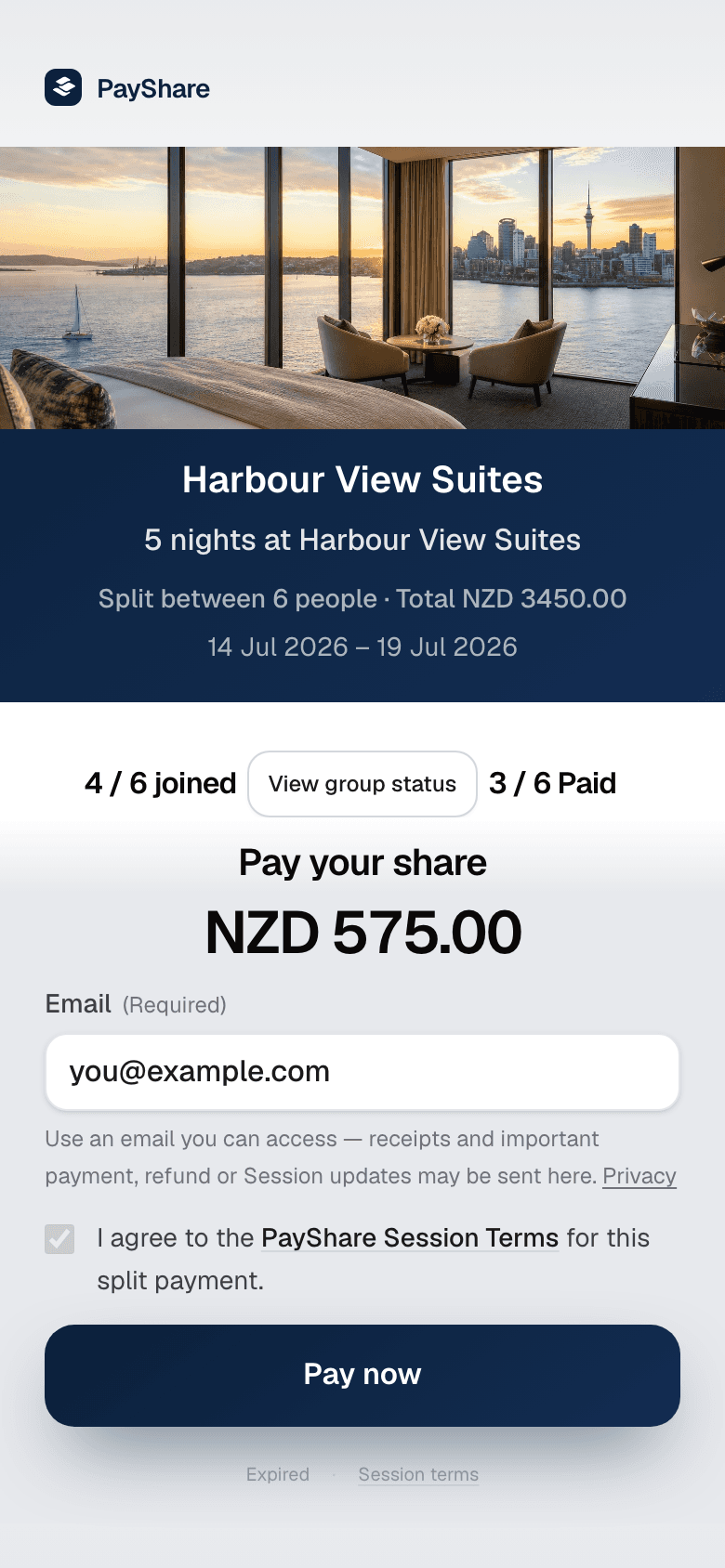
For groups
Share one link from checkout — everyone pays on their own phone.
What is PayShare
PayShare is a New Zealand payment technology company that builds group checkout for merchants and booking platforms — so multiple people can pay their share of one booking or order at checkout. It is not a consumer expense-sharing app or bill-split wallet.
Instead of one person paying the full amount and collecting repayments later, each participant securely pays their own share before the merchant confirms the purchase.
PayShare works alongside existing payment gateways and booking platform flows, so merchants can add custom group checkout on the rails they already use.
Everyone pays their own share.
Start from the merchant’s checkout, invite the group, and let each person pay from their own phone. No one has to cover the full amount and chase repayments later.
For groupsAdd PayShare beside the normal Pay now option so high-value groups can complete the booking without one customer carrying the full cost.
For merchantsMerchants install PayShare from the Stripe App Marketplace and add Split with others to checkout.
For platformsStart from the merchant’s checkout, invite the group, and let each person pay from their own phone. No one has to cover the full amount and chase repayments later.
For groupsAvailable now · Stripe App
PayShare is on Stripe. Install the app, add Split on checkout, and groups pay their shares on your Stripe account.
Install PayShare from the Stripe App Marketplace, open it in Stripe, and add Split with others beside Pay now if you control checkout.
PayShare charges 1% on completed Split payments, capped at NZD $100 equivalent per session. No monthly subscription. See pricing.
Step 1
Install PayShare on the Stripe account that takes customer payments.
Step 2
After installation, open PayShare from Stripe Dashboard → Apps and follow the setup steps.
Step 3
If you control checkout, add Split with others beside the existing Pay now path. If a platform controls checkout, that platform must support PayShare.
Step 4
PayShare hosts the group session and participant payments run on your Stripe account.
PayShare is on the Stripe App Marketplace.
On your checkout
Split with others sits beside Pay now. Groups pay their shares — you keep your rails and confirm as usual.
Your products
Set the session around the thing being bought — a room, a pitch hire, a team registration, an order — not a generic split bolted onto checkout.
Set how that product can split: even shares, a required party size, or a maximum number of payers. The group cannot invent a split the booking does not allow.
A four-person room stays four. A squad fee stays the squad. Attach a headcount to the product or booking and PayShare enforces it in the session.
Offer Split only on chosen SKUs, rate plans, properties, or booking IDs. Everything else stays Pay now.
Pass the booking total, a per-person rate, or extras so each share matches what that product actually costs — not a round number guessed at checkout.
Session length can follow your booking hold or order expiry, so the group cannot sit open after the slot is gone.
When the group has paid, send the organiser back to that booking’s confirmation — the same page they would see after Pay now.
For merchants
Turn “we’re still organising payment” into a visible session where every participant pays before you confirm.
Without PayShare
Split a checkout.
Next step
Try a demo, or install PayShare for Stripe from the Marketplace and add Split on your site. PayShare charges 1% on completed Split payments, capped at NZD $100 equivalent per session.


